Mobile app beta
Mint Condition™on your iPhone
Grade cards from your phone, browse the same Vault as the website, and buy credits in-app. We're inviting early testers before the public App Store launch.
Up to 10 TestFlight test creditsDownload · sandbox purchase (not a real charge)
Requires an iPhone and the free TestFlight app. You'll confirm the TestFlight purchase credit cap before the invite opens.
See more screenshots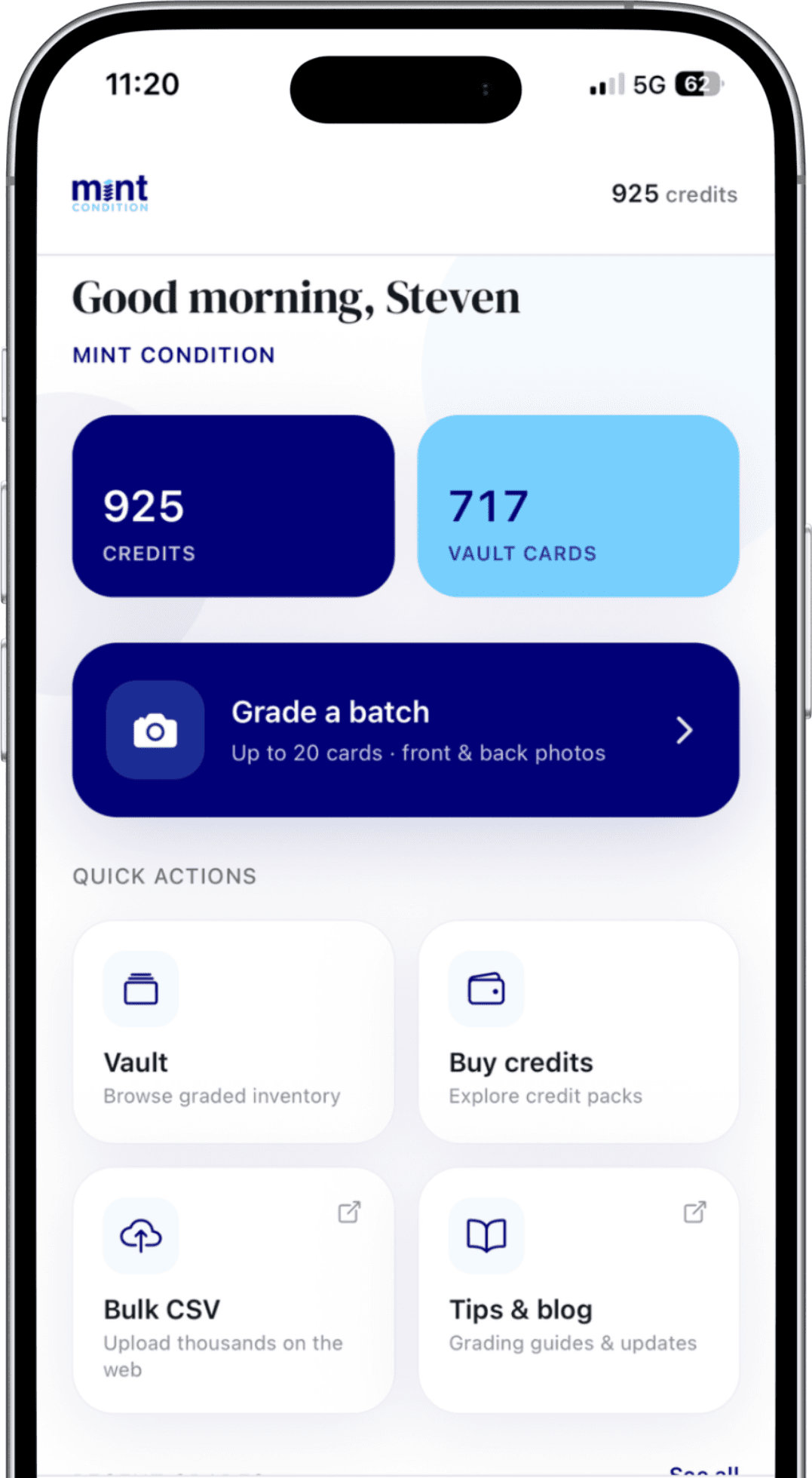
Same product, built for your phone
Photograph cards at a show or at home, then manage inventory with the Vault you already use on the web.
Home
Credits, vault, and grade in one place
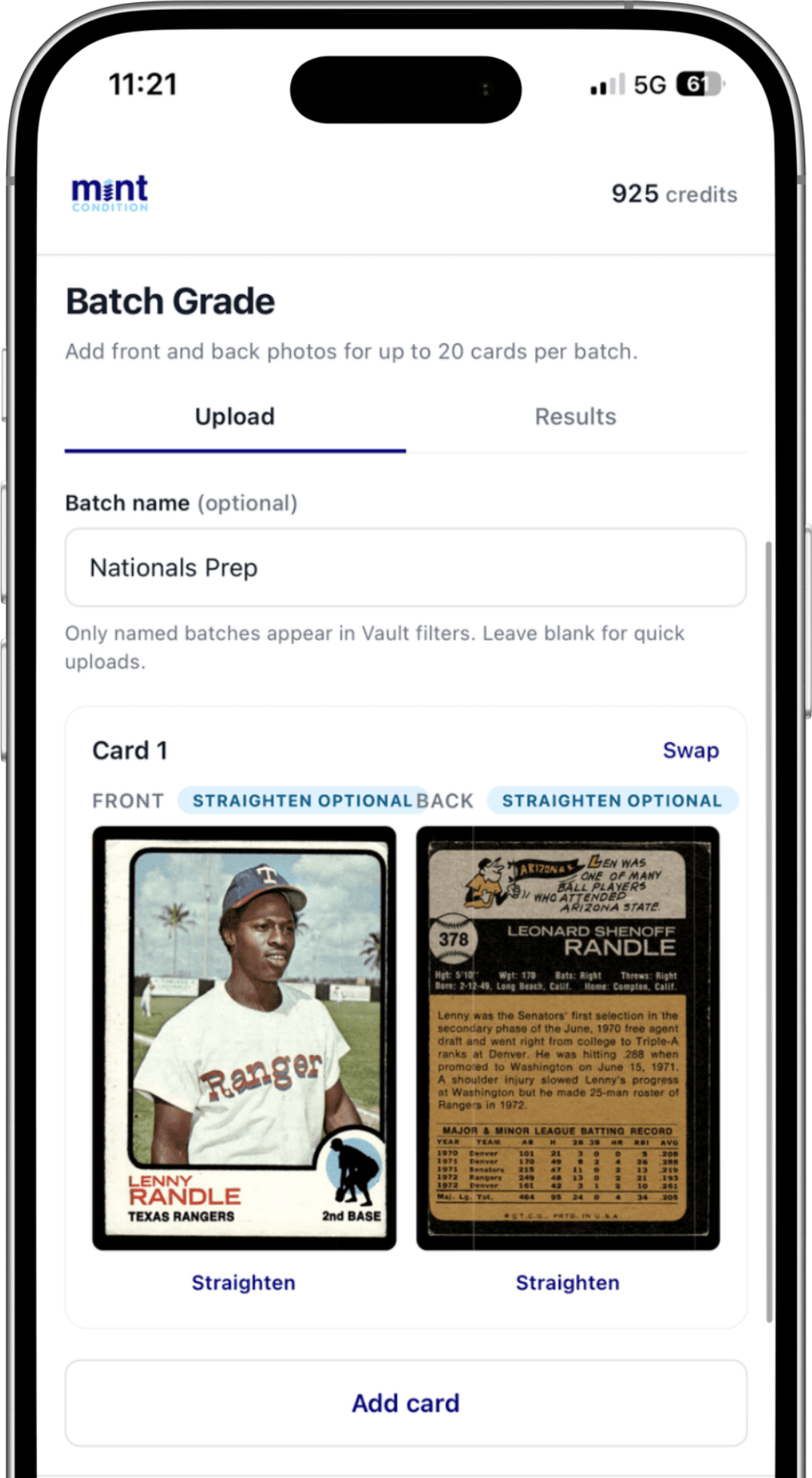
Batch Grade
Up to 20 cards · front & back photos
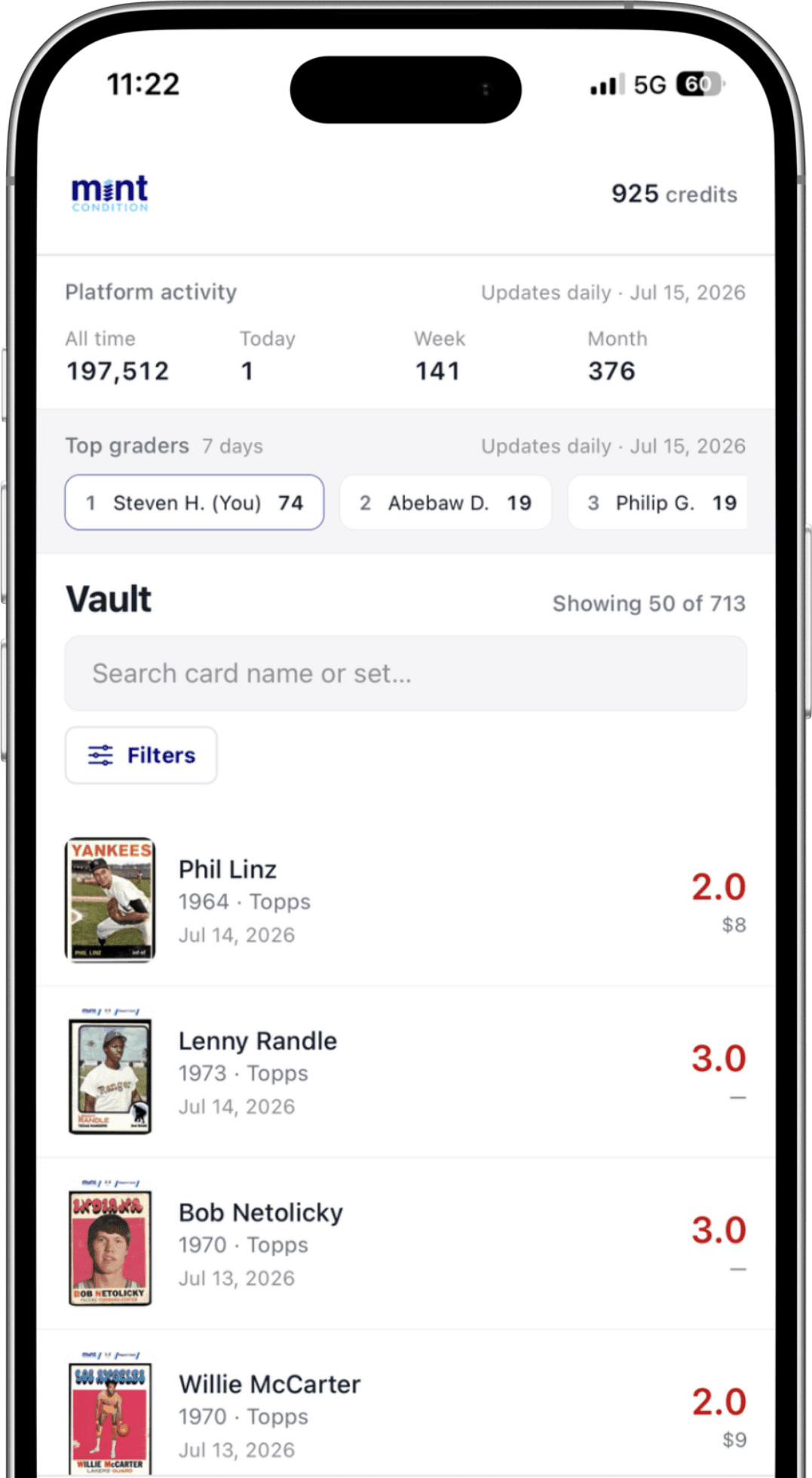
Vault
Same inventory as the website
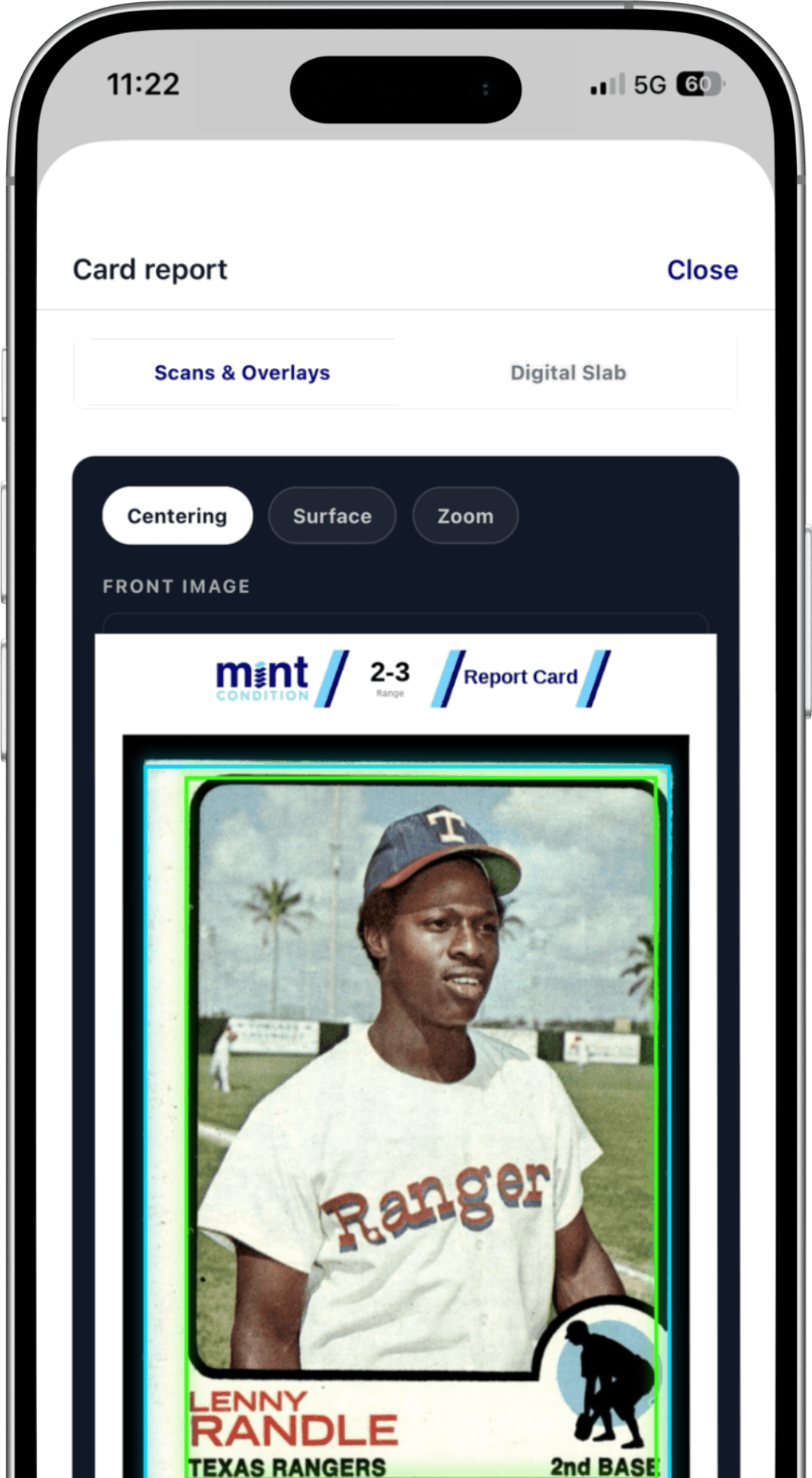
Card report
Grades, scans, and details on every card
Note: Overlays are not available yet for beta testers.
How to join
- 1Install TestFlight from the App Store (free).
- 2Tap Join the iOS beta on this page and confirm the purchase credit cap.
- 3Accept the invite and install Mint Condition.
- 4Sign in and grade a few cards.
What to try
- Sign in with the same Google or Apple account you use on the website
- Grade a small batch (a few cards is enough)
- Open Vault and a card report
- Optional: buy a TestFlight sandbox pack (up to 10 test credits)
- Send feedback in TestFlight if anything feels off
Send feedback in TestFlight
Open the TestFlight app → Mint Condition → Send Beta Feedback. You can attach screenshots. That's the best channel during the beta.
TestFlight purchase credits (up to 10)
Download the app on TestFlight and sign in with your Mint Condition account. During TestFlight, in-app purchases are sandbox (not real charges) — we add at most 10 of those purchased credits per account for testing. Extra TestFlight buys won’t raise your balance; after that, buy credits on the website or wait for the public App Store.
If a TestFlight purchase doesn't change your balance, you've likely hit the 10-credit purchase cap — check credits on the website Profile or email hello@mintconditiongrading.com.
Ready to test?
Help us catch phone-specific issues before we launch on the App Store.